Many TikTok trends are driven by unique songs, remixes, voiceovers, and audio tracks. Often, users want to save just the sound file to listen offline or use in edits, without the video itself. Here is how you can easily extract audio files.
Why Download MP3 Audio?
Extracting the background sound allows you to listen to tracks offline, save data by not downloading video bytes, and compile soundboards of your favorite trends.
How to Extract MP3 with NovaTik
The process is simple: copy the TikTok video link, paste it into NovaTik, and select the MP3 Audio option once the video is processed. NovaTik extracts the audio stream and downloads it as a high-quality MP3 file (up to 320kbps).
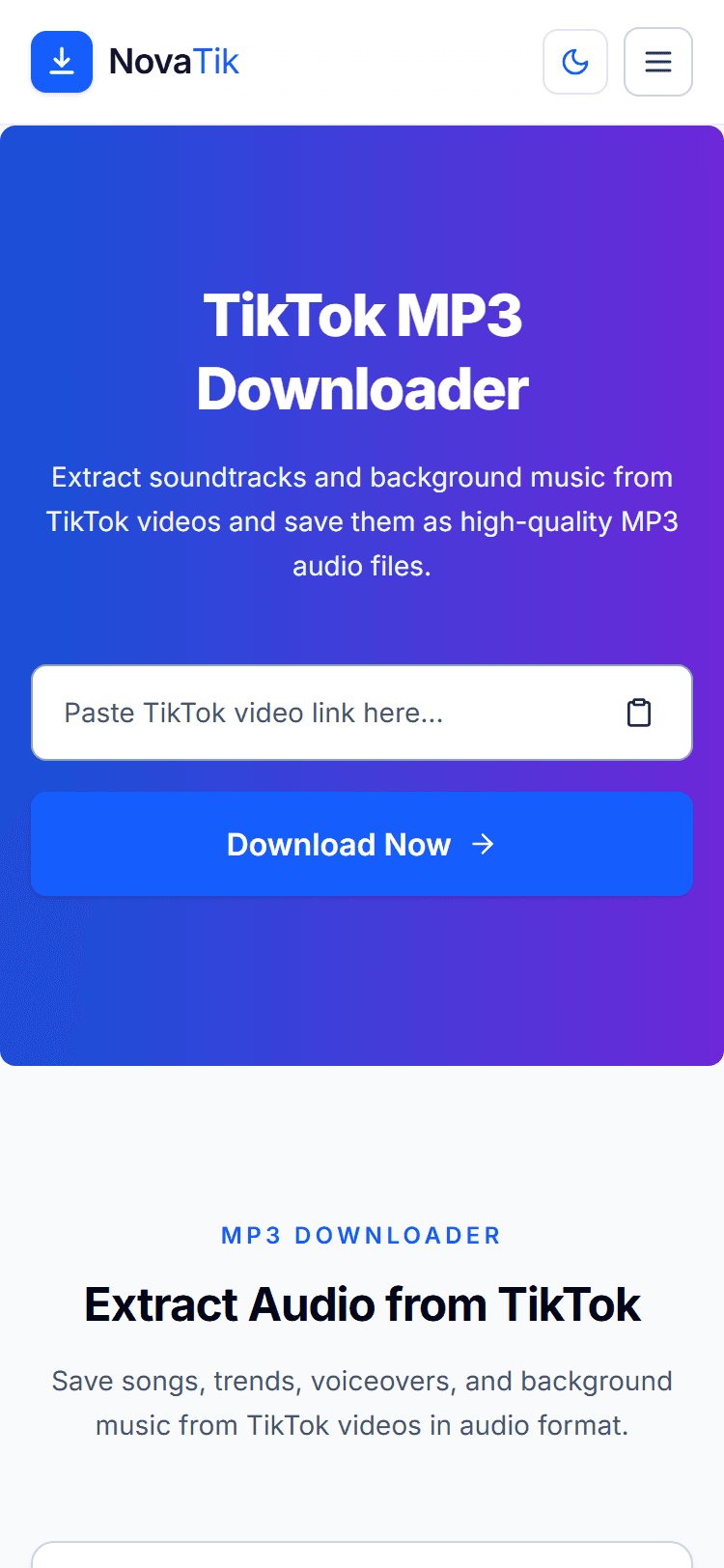
Open the TikTok MP3 Downloader
Format, Quality, and File Details
NovaTik saves extracted audio as a standard .MP3 file, playable on any phone, computer, or media app without needing to convert it first. Quality is capped by what TikTok's own servers provide for that specific video — up to 320kbps where the source stream supports it, which is effectively indistinguishable from the original upload. There's no length limit or extraction cap: process as many public TikTok videos as you need, one link at a time. On mobile, the downloaded MP3 saves to your Files app on iPhone or your Downloads/Music folder on Android, the same way any other file download works in Safari or Chrome.
Why Some Audio Downloads Come Out Silent
TikTok sounds fall into two categories: original audio recorded by the creator, and licensed music pulled from TikTok's commercial sound library. When a licensing agreement lapses or a rights holder issues a claim, TikTok can mute the track platform-wide — the video still plays, but with no sound, and no downloader can extract audio that TikTok itself no longer serves. If your MP3 comes out silent or fails to extract, this is the most common cause, not a problem with the tool.
For the full breakdown of TikTok's content and privacy restrictions, see our guide to why certain TikTok videos can't be downloaded
Is It Legal to Download TikTok Audio?
Frequently Asked Questions
- What audio format does NovaTik use? Standard MP3, playable on any device or app with no conversion needed.
- Is there a limit on how many TikTok audio clips I can extract? No — process as many public videos as you need, one link at a time, with no daily cap.
- Can I extract audio on my phone, not just desktop? Yes. The same paste-a-link process works in Safari on iPhone and Chrome on Android, with no app install required.
- Does the extracted MP3 match TikTok's original audio quality? Yes, up to the source video's own quality (max 320kbps) — NovaTik doesn't compress or degrade the track further.
Turning a Sound into a Ringtone
Once you have the MP3 downloaded, setting it as a custom ringtone, alarm, or notification sound only takes a couple more steps on both iPhone and Android.
See our full walkthrough: How to Make a TikTok Sound Your Ringtone
If you want the full video instead of just the audio, you can use NovaTik's video download option to save the complete MP4 file.
Download full videos with the TikTok Video Downloader
For a complete walkthrough covering every device and browser, see our complete guide to downloading TikTok videos