TikTok has become a global hub for creative, educational, and entertaining short-form videos. While the app allows you to save some videos directly, many creators disable this feature, or the saved videos contain a large, bouncing watermark that covers the content. In this guide, we will show you how to save any TikTok video easily using NovaTik.
Step 1: Copy the Video Link
To get started, open the TikTok application on your smartphone or go to TikTok in your web browser. Find the video you want to archive, tap the "Share" button, and select "Copy Link". This copies the direct URL of the video to your device's clipboard.
Step 2: Paste the URL into NovaTik
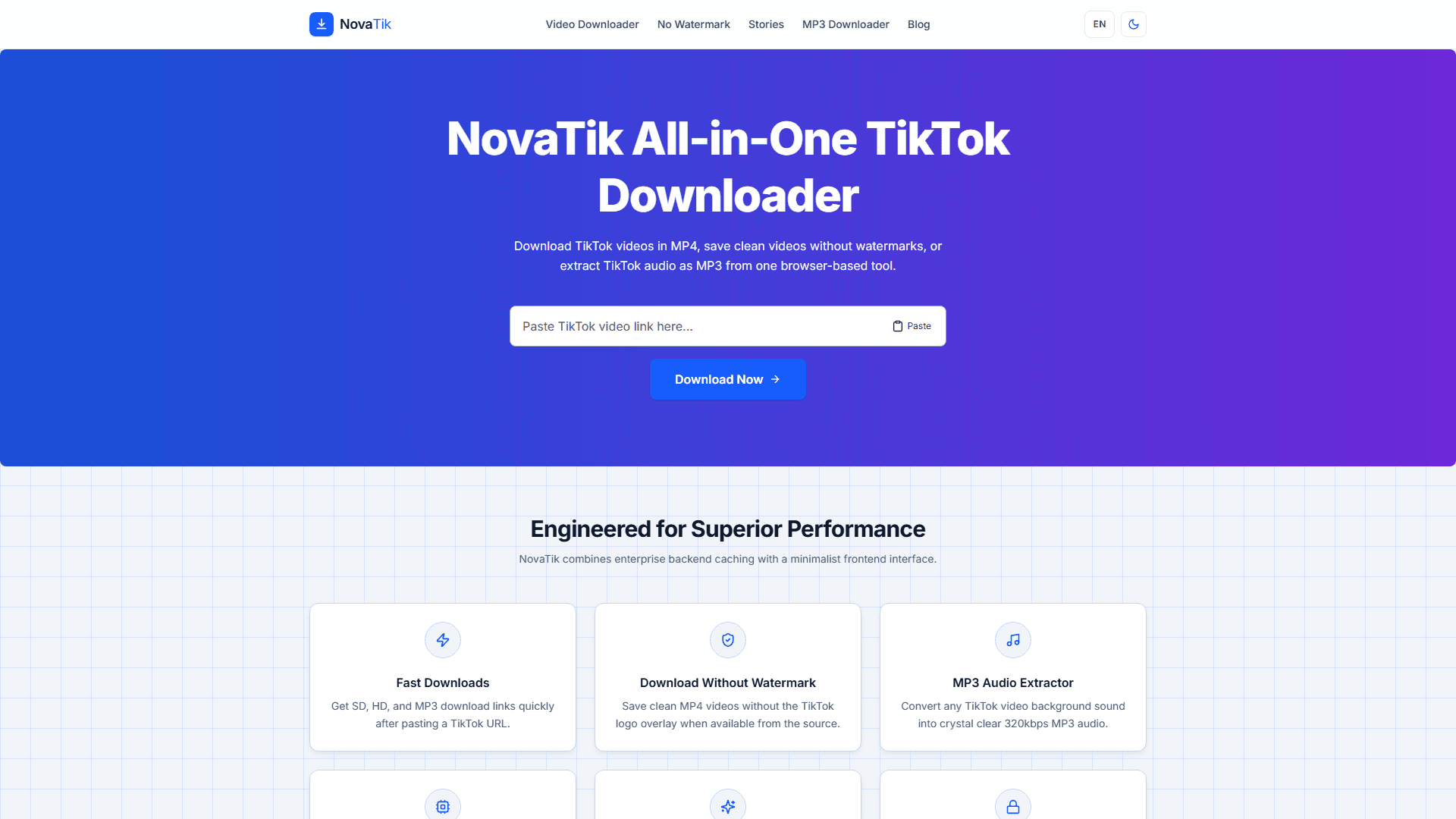
Navigate to our primary downloader tool. Paste the copied video link into the search bar at the top of the page. Once pasted, click the "Download" button to initiate parsing.
Open the TikTok Video Downloader
Step 3: Choose Your Video Quality
After parsing completes, you will see options for different download formats: SD (Standard Definition) or HD (High Definition). Select the option that best fits your storage and viewing needs. The browser will natively download the video file immediately.
If you want a clean video without the TikTok watermark, you can also use NovaTik's no-watermark option when a clean source is available from TikTok's servers.
Try the TikTok No Watermark Downloader
Want to save a Story before it expires in 24 hours? Use the TikTok Story Downloader
Downloading on Different Devices
The process above works the same on all platforms. However, each device has slightly different file management. We have dedicated guides for the most popular mobile platforms:
Step-by-step instructions for downloading TikTok videos on Android
Step-by-step instructions for downloading TikTok videos on iPhone and iPad
SD vs. HD: Which Format Should You Choose?
SD (Standard Definition) files are smaller and download faster, which makes them a good fit if you just want to rewatch a clip offline or send it in a chat with a file-size limit. HD (High Definition) preserves more detail and holds up better if you plan to re-upload, edit, or view the clip on a larger screen. The actual resolution ceiling depends on what the original creator uploaded — NovaTik can only offer the highest quality TikTok's own servers make available for that specific video, it cannot upscale a low-resolution source.
Is It Legal to Download TikTok Videos?
Saving a public TikTok video for personal, offline viewing is generally considered acceptable in most places, similar to bookmarking a webpage. Where it becomes a legal problem is re-uploading, redistributing, or monetizing someone else's content without their permission — that can infringe the creator's copyright regardless of which tool you used to download it. TikTok's own Terms of Service also restrict scraping or downloading at scale for commercial purposes. If you're archiving your own content, or saving something to watch later, you're on safe ground; if you're planning to repost it elsewhere, get the creator's permission first or credit them clearly, and check the platform's specific policy on reposts.
If a video won't process at all, that's usually unrelated to legality — it typically means the creator disabled downloads or the account is private. See our full breakdown of causes and fixes: